

Job software for builders and contractors
Know what's ready tomorrow, and what each change costs.
Soltryx Construction is job software for builders and contractors of every size. The plan, the site's day and the money from estimate to change order, in one place.
Early access is by invitation. We reply by email.
For builders and contractors of every size
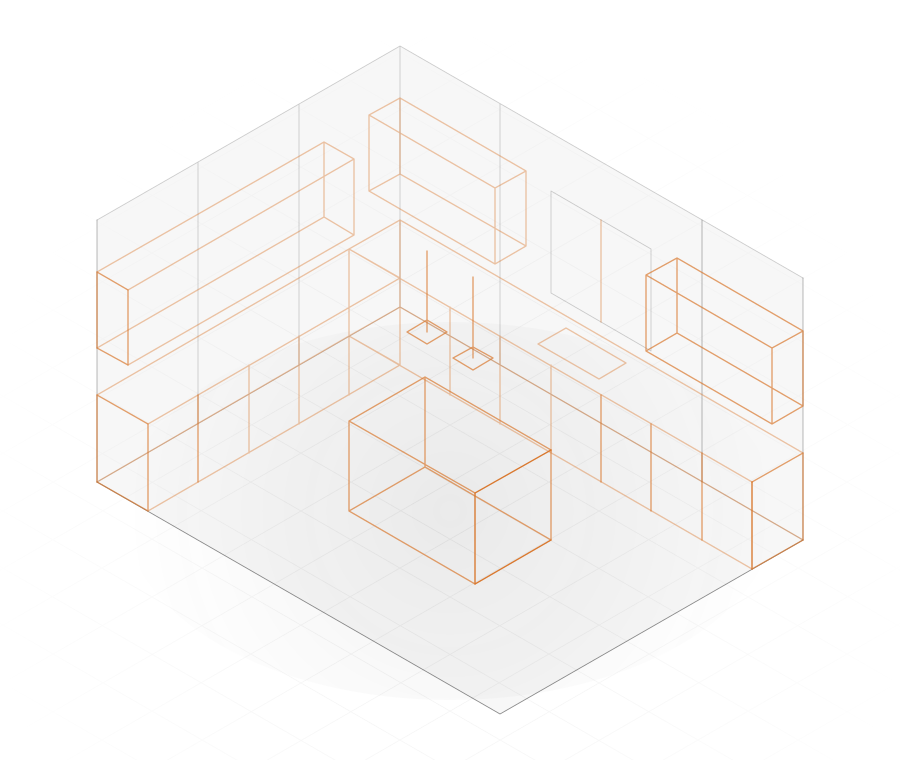
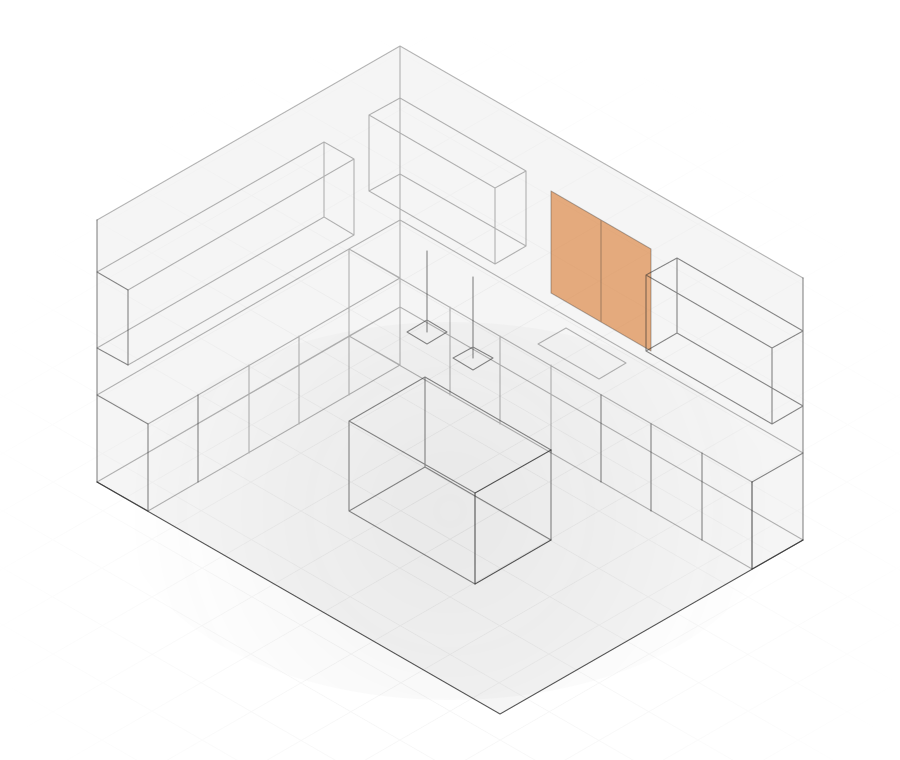
Which one are you? Pick one, and What it does starts with what fits you.




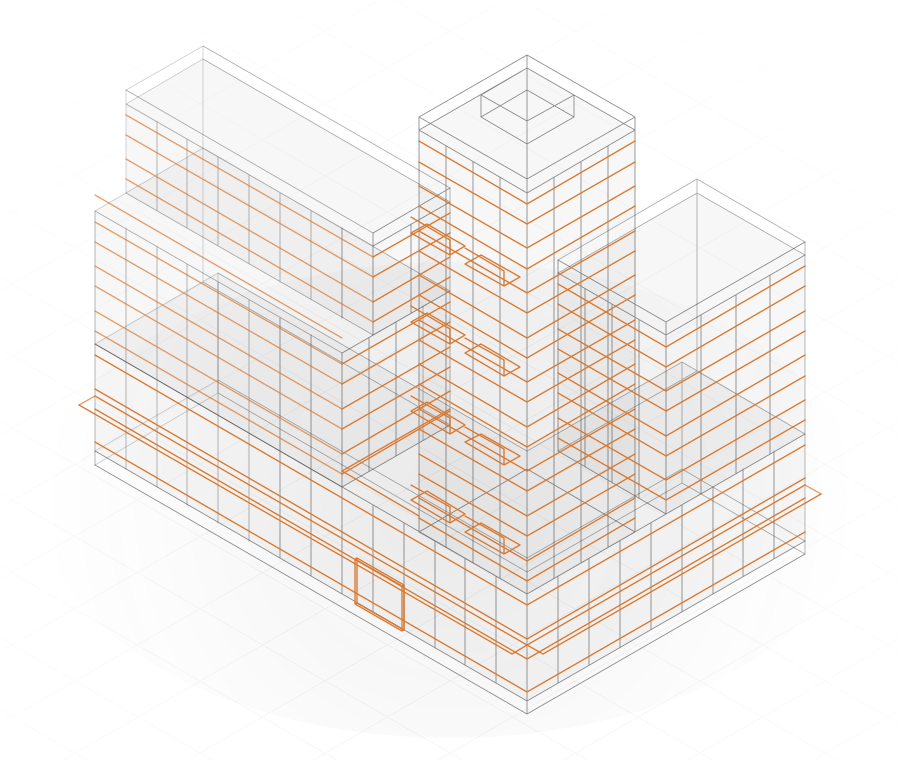
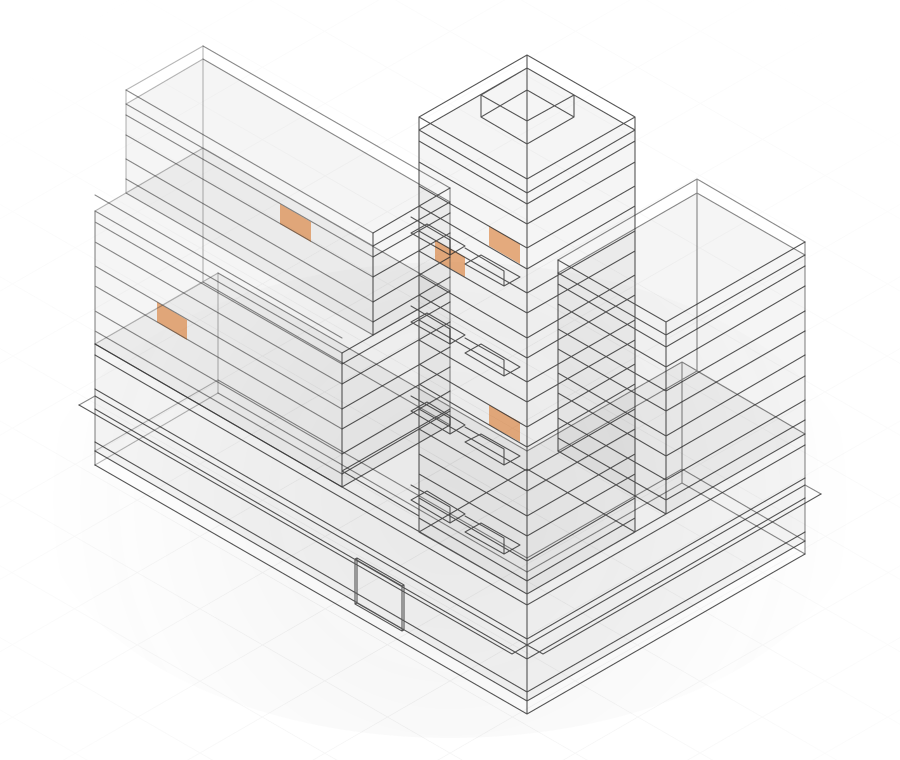
Home and Tomorrow
Know what's ready. And what isn't.
Each piece of tomorrow's work says Ready, Not ready or Not known yet, with the reason under it.
A blocker says what's needed, who clears it and the day it's needed by.
An inspection booked on planned work holds it as Not ready until it passes.
Work nobody marked done carries over, marked with the day it was planned for. The schedule is drawn from the planned work itself.
Site
The site's day, from a phone.
Talk or type the day's update, and check it before you send.
Check it sorts your words into sections such as crew, work done, delays and issues, each line quoting what you said.
On Send, an issue you choose becomes a flag for the office, and a Not ready line you choose becomes a blocker on the plan.
Each day keeps one log, and what's added later shows who added it and when. Messages are kept by phase, and permits and inspections with their dates and results.
Files
Drawings and documents, in their folders.
Planned: adding files and photos, from the office or a phone on site.
Documents sit in folders: contracts, drawings, specs, submittals and photos.
A drawing keeps its sheet number and title, and its measurements are typed in: lengths, areas and counts.
Contracts stay with the office and site leads.
Money
From the estimate to the change order.
Build the estimate by phase, line by line, with quantities, unit costs, markup, cost codes and tax.
An estimate becomes the budget once, and stays as it was.
The budget shows each phase's budget, its approved changes and the revised figure.
From a flag to a decision.
- On site
Flag it.
The site lead or a trade flags a change on its phase, and says whether it puts work at risk.
An open change stays on the list, showing how long it has been open.
- In the office
Price it.
The office adds priced lines: a quantity, a unit cost, waste and markup. The page shows the money at stake.
- In the office
Decide it.
The office accepts it as a numbered change order, or declines it with a reason.
Neither can be undone, and everyone who sees the flag sees the decision.
Money in its kinds
Different money. Separate totals.
Soltryx Construction keeps five kinds of money apart, each with its own total.
Money at stake comes from priced changes still open, approved changes from change orders, and forecast from the budget.
Only the revised budget, and what's left of it, combine two kinds.
Commitments count awarded bids and actual counts paid invoices; awards and invoices are planned.
Contacts and Catalogue
Clients, trades and suppliers, in one list.
Contacts keeps clients, subcontractors, vendors, architects, engineers and inspectors, with the projects each is on.
A lead you win becomes a project. The catalogue keeps your costs and assemblies.
Contacts, leads and the catalogue are for the office.
People
A place for each person on the job.
The office invites each person as office, site lead, trade or viewer, on the whole project or one phase.
Your own sign-in link.
Each person signs in with their own link from the office. There's no password.
A trade's own phase.
A trade sees its own phase and no amounts.
A record of decisions.
Who did what, and when, is kept.
Planned
Planned, and not in the app yet.
Bids from outside
Today a phase can have one bid package, its scope written line by line. Planned: each bidder prices it from their own link, and the office awards one.
Invoices
Planned: invoices from the awarded bidder, approved and then paid.
Papers
Planned: an inbox for the papers subs and clients send, each confirmed by a person.
Alongside the software
A fresh look at your tools.
We also offer help on two questions.
Which tools to keep
We look at what you use now, from your accounting to your spreadsheets, and help you decide what to keep and how the pieces fit together.
Where AI can help
For example, reading a trade's emailed quote into lines a person checks, or following up on an answer that's late. Where it doesn't help, we say so.
Price
Priced on a short call.
We set the price on a short call, by your company's size, your jobs and what you need.
Small builders, midsize contractors, and large builders and developers all start with the same call.
Request a callAfter you send the form
We reply by email to set up the call.
On the call, we talk through your work and set the price.
Early access
Start with the way you work.
Soltryx Construction is in early access, by invitation. Tell us about your company and your work.